Panels
Using the Thumbnails Panel
The Thumbnails panel provides page-level navigation for multi-page drawing PDFs, and it is also where page management lives: rotating, inserting, replacing, extracting, and deleting pages.
Updated 2026-07-03 · 4 min read
On this page
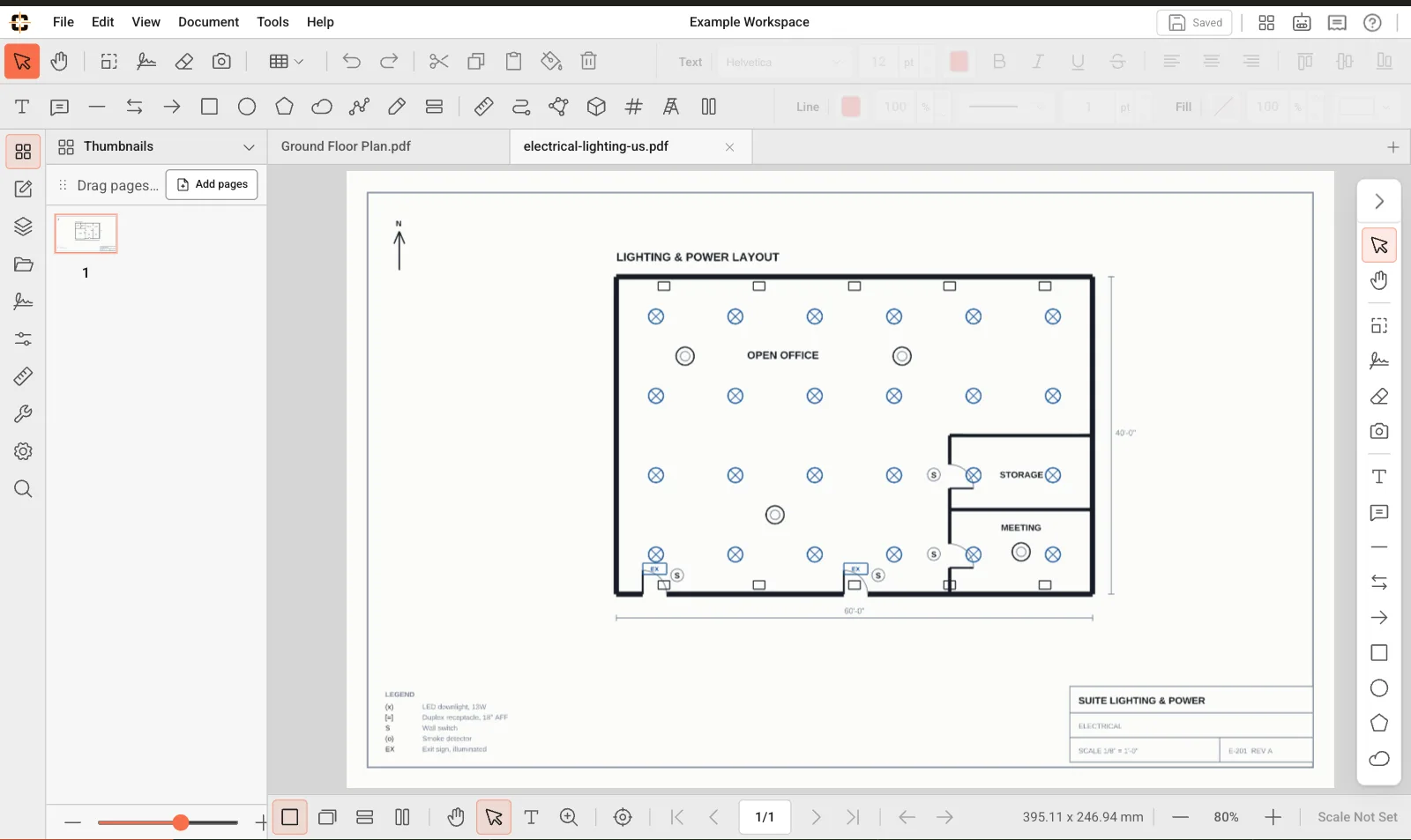
Thumbnails help you move between sheets and manage pages in multi-page drawings.
Manage pages
Right-click a thumbnail for page actions: Rotate Clockwise or Counter-Clockwise, Insert Blank Page, Insert Pages from a file, Replace Pages, Extract Pages, Delete Pages, Cut/Copy/Paste Pages, and Export as PDF, PNG, or JPEG. Always verify measurement scale after rotating or replacing pages.
Related topics
Related product guides
These broader guides explain how this support workflow fits ContractorCounter's markup, measurement, takeoff, and export toolset.
Still stuck?
Tell us what you're trying to do and we'll help you get there.