Construction Takeoff App for Any Device
ContractorCounter is a construction takeoff app you do not install from a store. It runs in any browser on phone, tablet, and desktop, and adds to the home screen to open full-screen. Mark up plans, measure to scale, count fixtures, and build quotes anywhere you open a drawing.
Free account. No card required.
Exports and sharing require a paid plan or eligible card-required trial.
On site, on your phone
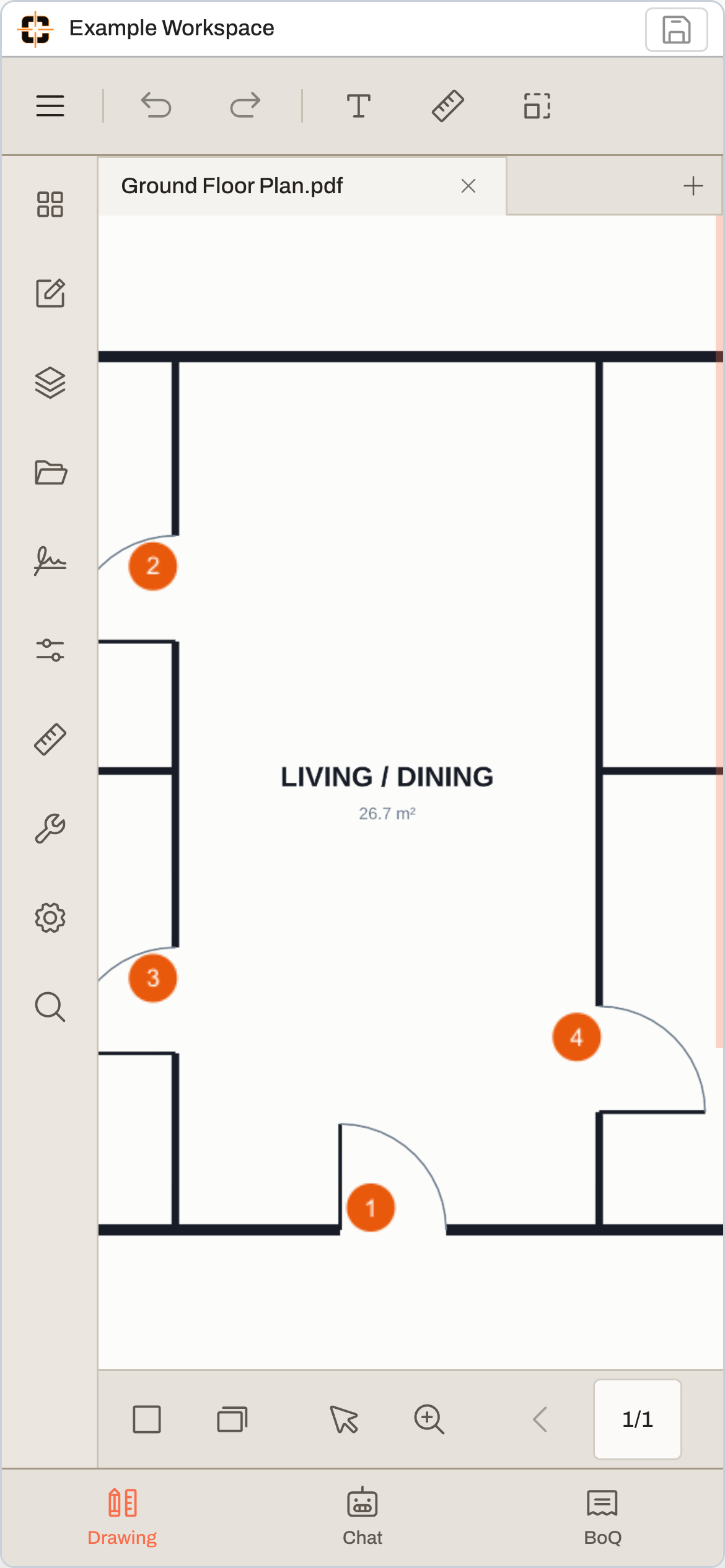
Same job.
Smaller screen.
Drawing, chat and quantities.
Take the drawing with you.
Drawing, chat and quantities in a compact workspace.
Example workspace · phone capture
01
One app, every device
Because it is browser-based, the same takeoff workspace is on the phone in the field, the tablet on site, and the desktop in the office, with no separate downloads to keep in sync.
02
Markup and measure with a stylus
On touch devices, mark up the plan with a stylus and capture calibrated measurements and counts directly on the sheet. On an iPad specifically, the PDF markup app for iPad walks through the Apple Pencil setup, and reading blueprints on an iPad covers the case where you mostly open and check sheets rather than mark them.
03
Add it to the home screen
Install it to the home screen and it launches full-screen like a native app, without app-store approval, manual updates, or device-by-device installs.
04
The exact install steps, and the honest offline answer
On iPhone or iPad: open the site in Safari, tap the Share button, then "Add to Home Screen" — the app manifest is set to standalone display, so the icon launches full-screen straight into the workspace. On Android: Chrome's ⋮ menu → "Add to Home screen". One honest caveat no app-store listing states this plainly: there is no offline mode — the workspace needs a connection, and in exchange your markups save to the cloud seconds after you draw them, so a dead battery or dropped tablet never holds the only copy of a takeoff.
See whether it fits your next job.
Start with your own drawing and check the workflow.
Try the tools on a real drawing.
Explore the example below, or take over the workspace and try it yourself. No signup needed for this demo.
Questions about Takeoff app
Is there an app to download from the App Store?
There is no separate download. ContractorCounter runs in the browser and installs to your home screen straight from the website, so it opens full-screen like an app while always being up to date. That avoids app-store approval delays and device-by-device installs.