PDF Markup App for iPad, Built for Construction
Mark up construction PDFs on the iPad with an Apple Pencil: ContractorCounter runs in the browser with calibrated measurement and counts, so it is a markup tool that understands drawings, not a generic PDF annotator.
Free account. No card required.
Exports and sharing require a paid plan or eligible card-required trial.
Drawings on your tablet
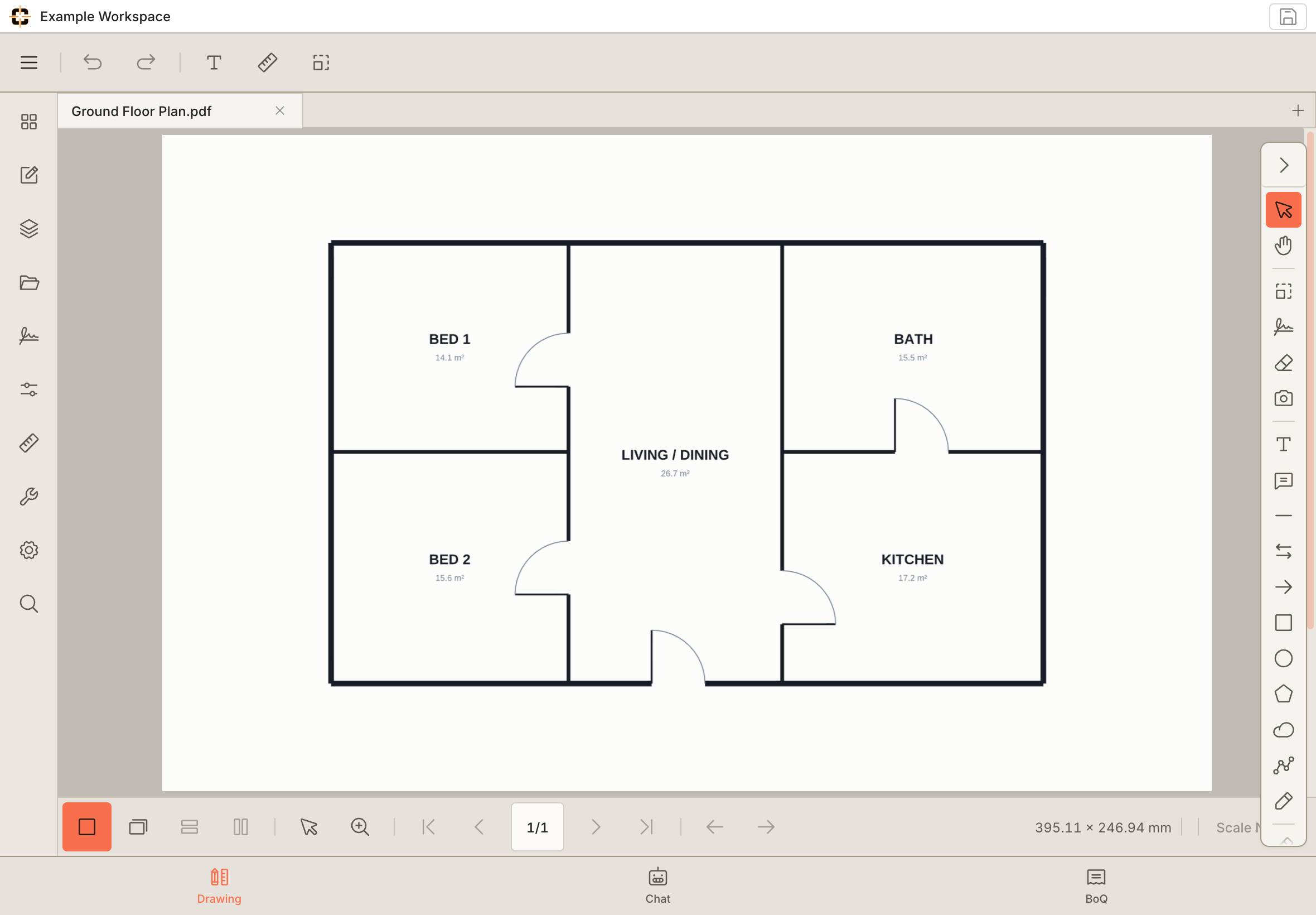
From the desk to the job site.
A bigger view of the detail.
Review the plan in a touch-friendly workspace.
Example workspace · tablet capture
01
Construction markup, not generic PDF notes
Callouts, clouds, stamps, calibrated measurement, and symbol counts: the tools a drawing markup workflow needs, tuned for touch and stylus on iPad.
02
Scale-aware on a tablet
Calibrate the drawing once and measure lengths and areas to scale from the iPad, something general PDF apps on tablets cannot do.
03
Field-to-office on one drawing
Mark up on the iPad on site, then reopen the same plan on the desktop. It is the same browser workspace, so nothing has to be re-imported.
04
Touch targets engineered for fingers, not cursors
Editing a markup on a tablet fails when the grab handles are mouse-sized. Here every markup drag handle carries a 56-pixel touch pad that stays 56 px on screen at any zoom level — above Apple's 44 pt Human Interface Guidelines minimum — so grabbing a polygon vertex at 25% zoom works as reliably as at 300%. Two-finger pan and pinch are recognized as navigation, not drawing, so gesturing around the sheet never drags a markup out of place.
See whether it fits your next job.
Start with your own drawing and check the workflow.
Try the tools on a real drawing.
Explore the example below, or take over the workspace and try it yourself. No signup needed for this demo.
Questions about iPad PDF markup
Can I measure to scale on the iPad, not just annotate?
Yes, and that is the difference from a generic PDF app. Calibrate the drawing's scale once and ContractorCounter measures lengths and areas and tracks counts against it, on the iPad, in the browser. First workspace free; Pro is US$14/month.